For our project, we want to create an environment that relates to sustainability on campus. If someone passes by trash without picking it up, we wanted to challenge what happens in the “real world” where there are no consequences. In our alternate reality, we hope to have negative feedback so that the user/recipient is transformed, translating into different actions/reactions in the real world. We hope to use a Gazelle article written about recycling on campus to inform our interaction design.
Some initial questions: how campus focused should it be? Should we create an environment that is a realistic representation of campus? Do we make the campus environment more abstract? When designing virtual reality experiences, how do we provide feedback to the user when they have reached the edges of our world? How should the trash respond when someone walks past? Do they rise and float in the user’s field of view? Is there some sort of angry sound that increases with time? What feedback is provided if the user puts the trash in the wrong compartment (plastic vs paper vs general like the campus receptacles)?
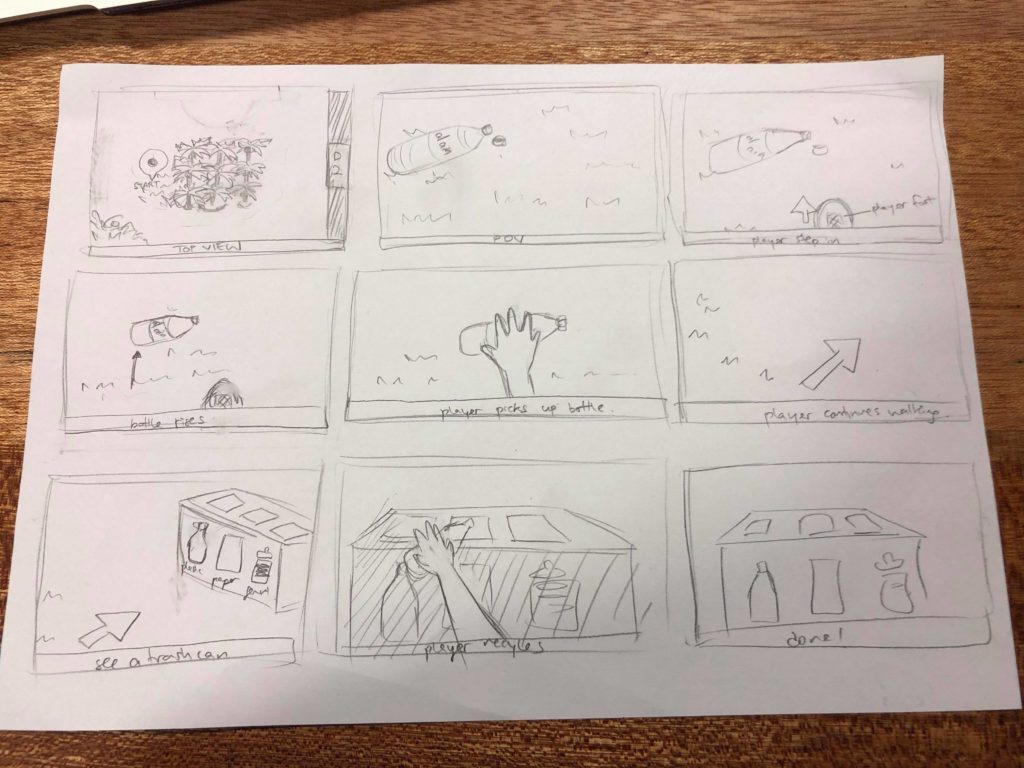
From this initial concept, we decided to just start building the piece in Unity to see what we are capable of accomplishing in a relatively short amount of time. We split up the work: Lauren and I will do the interactions and Ju hee and Yufei will build the environment.
After the first weekend, we had an environment built with a skybox and some objects. As a team, we’ve decided to change directions in terms of the environment…we want to build an abstract version of the campus. This will delay things as we only have a week left and the environment will take at least three days to build, but I think it’ll be worth it in the long run. I’d rather have less complex interactions and a more meaningful environment at the end of the day. Since Lauren has a very strong vision of what she wants the environment to look like, we shall separate the tasks differently. She and Ju hee will do the environment and Yufei and I will try to implement the interactions.
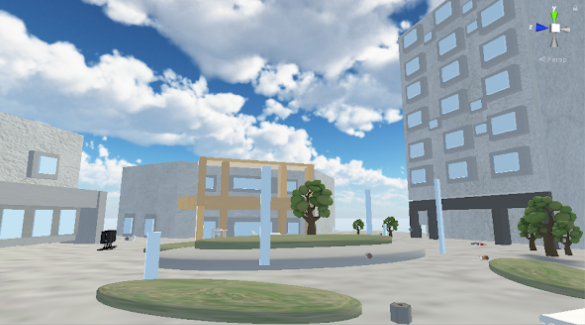
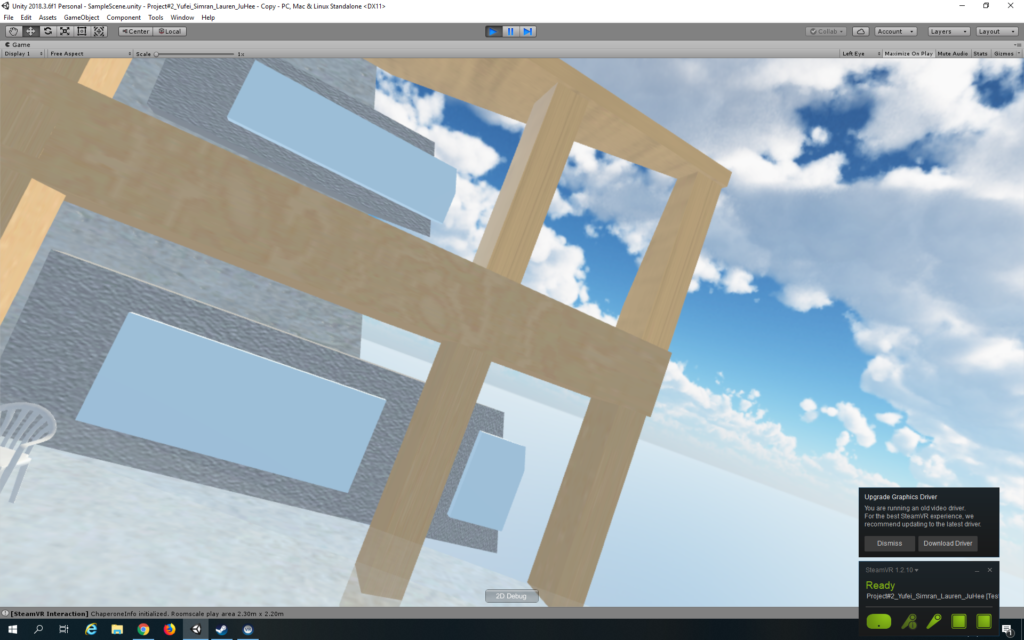
Here is the lovely environment that Lauren and Ju hee have built. It looks very much like campus! Yufei and I have just integrated the Vive and SteamVR system into the environment and are looking around the space. I wish we would have integrated it earlier as there are a few scale issues and the space is very very large, things that can only be seen through the headset. We shall have to implement a teleport system and rescale objects.
Yufei is working on the teleport system. SteamVR 2.0 makes it quite simple to add teleport! We just needed to add the ‘teleporting’ prefab and the teleport points. One thing we are struggling with is the level of the teleport system. It needs to be at player arm level and we’ve tried various combinations of levels of ground, player, and teleport points, but when we make it the same level, the player teleports lower for some reason. For now, we shall place the teleport points slightly above.
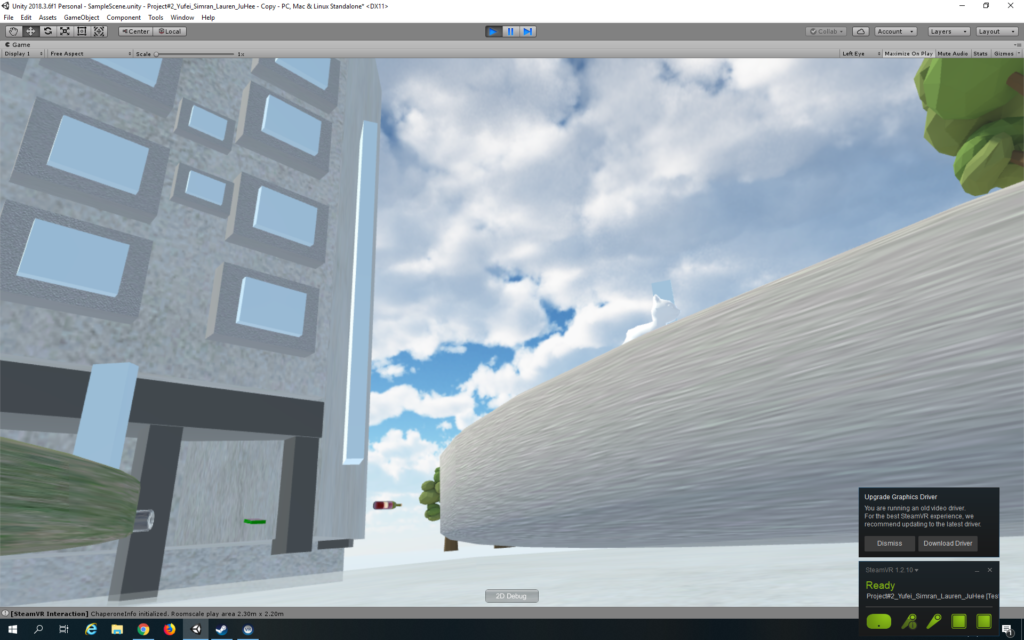
Yufei made the system into a teleport area rather than points. The arc distance of the raycast seems to be something we need to play around with to match a comfortable level for the player’s arms. For now we have made it 10 which makes it easy to teleport, but difficult to teleport to a close location.
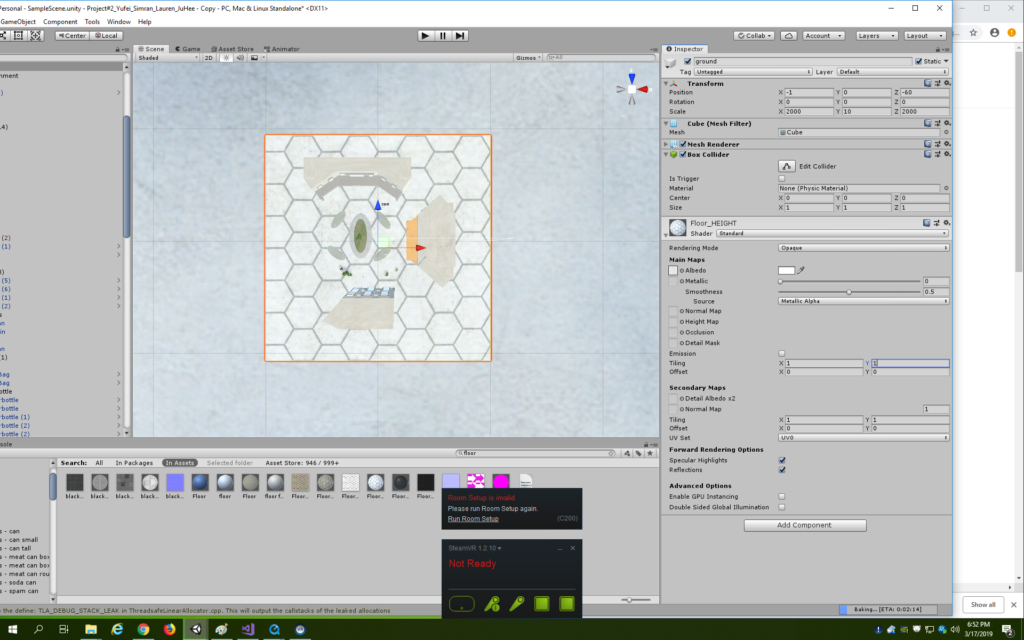
We have spent a lot of time setting up our base stations unfortunately. Additionally, whenever we look at the environment through the headset and move our heads, the buildings seem to flicker in and out and sometimes disappear completely. A forum search reveals that we need to adjust the clipping plane which apparently means the region of interest that is the visible scene. We have adjusted the near and far parameters to 2 and 2000 respectively and that seems to work just fine! Additionally, the textures on the grass and floor seem very pixelly and stretched out so I’ve increased the tiling on their shaders.
Time to implement interactions on the trash! I’ve added the Throwable and Interactable scripts to all the objects. For now, there are cereal boxes, toilet paper rolls, wine bottles, cans from food, and water bottles. Yufei and I decided to delete the toilet paper rolls as why would one throw those away and delete the wine bottles as they have liquid in them and one cannot recycle glass on campus except in a few places. We also deleted the cans as one can only recycle metal in the dorms and we wanted it to feel like waste disposal when walking around campus. We did add a chip bag as we wanted something to go into the waste bin rather than one of the recycling bins.
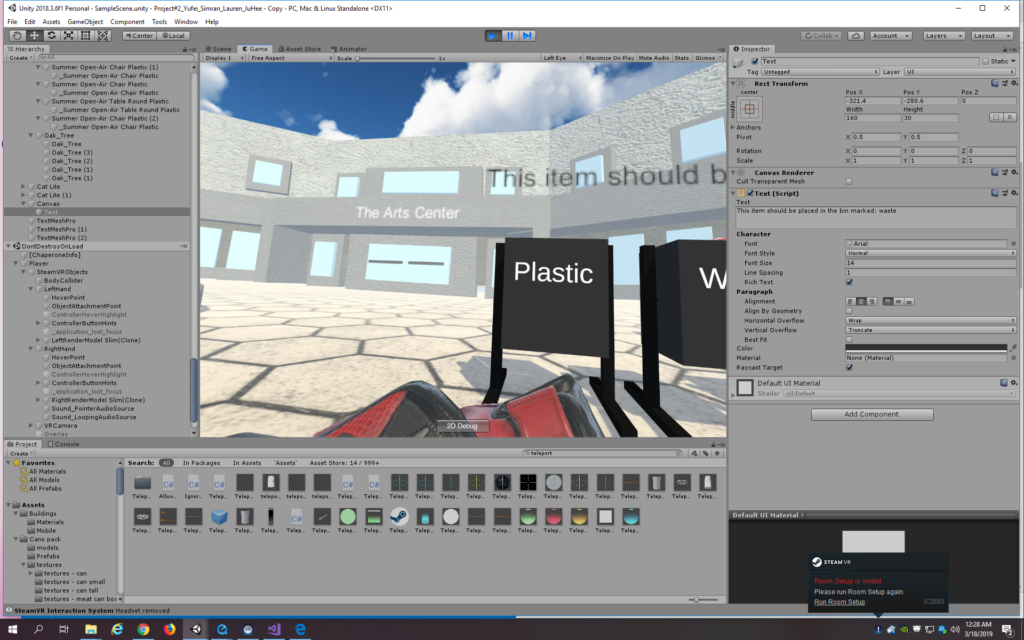
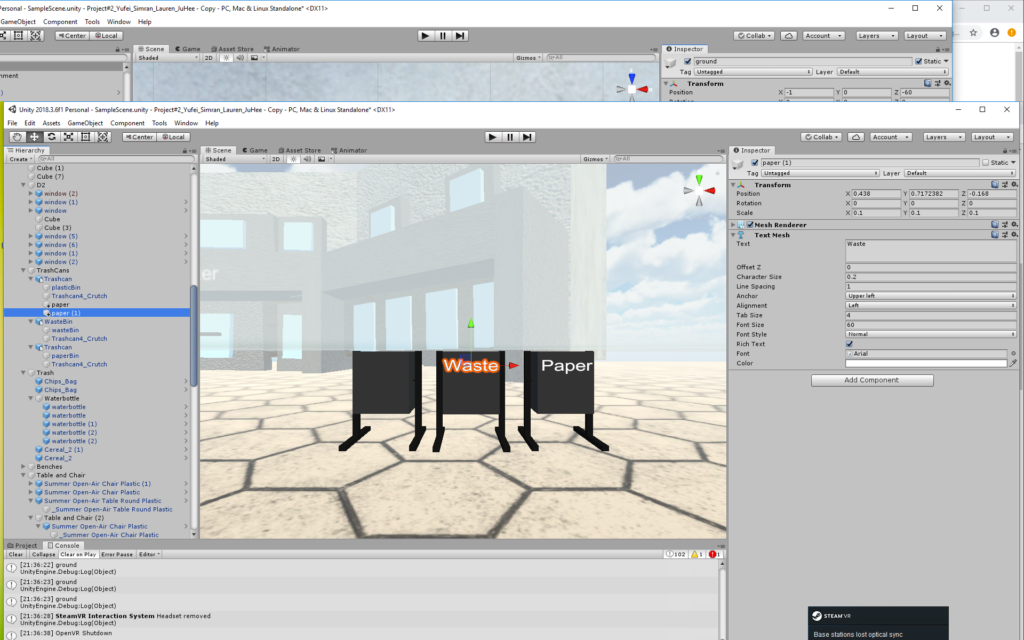
Speaking of the bins, I’ve added labels to them. At first I used the UI text, but that made it be seen through all objects and it was quite blurry. To rectify the blurriness, I increased the font size substantially so that it was now bigger than the character size and I reduced the scale of the text object to the size that I wanted the text. Another forum search revealed that because it was the UI text, it could be seen through everything, so I have changed to the textmeshpro Text and the problems seem to be fixed.
I am testing the objects to see if they can be picked up but they are quite far from the player since they are on the ground. Yufei and I are continually playing around with the ground, teleport, and player levels to find something that works, but nothing seems to. We’ve tried putting the ground and player at 0 like it says to do online, but when we also add the teleport in, the teleport level seems to change a lot. I shall make the objects float for now as we are running out of time.
I am struggling with finding the right attachment settings on the scripts. Additionally, our binding UI does not work, so we seem stuck with the default binding of having an object picked up with the inner button on the controller. The object still doesn’t seem to be picking up.
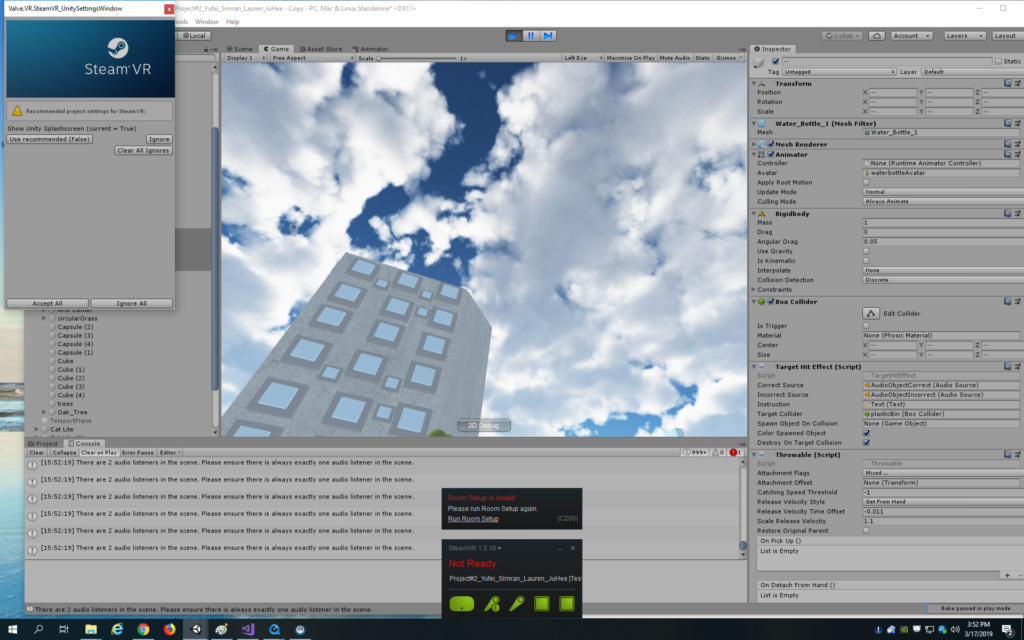
I don’t know what I’ve done differently, but I can pick up one of the objects now. However, it doesn’t seem to stay in my hand so I’ve only nudged it. It acts like a projectile so it takes whatever velocity my hand gives it in the direction of the nudge. Not good!
Yufei has been working on the objects and says that we need the objects to have gravity for us to be able to throw them. She has also found the sound files. The problem is should we just place the trash on tables. I’ll play around with it and see how it looks…after all, it can just be like the D2 tables I guess. It doesn’t look that bad honestly, but Max comes to save the day by helping us find the right combination of ground, teleport, and player. Also, it seems like our room setup was incorrect which is why it was difficult to reach the floor. Either way, the system seems to work a lot better now and I also feel less nauseous now when testing since it feels more natural. I still need to find an arc distance that works. 7 seems best for now. I have also kept the tables as they are reminiscent of D2, but moved the objects so that they are scattered on the floor.
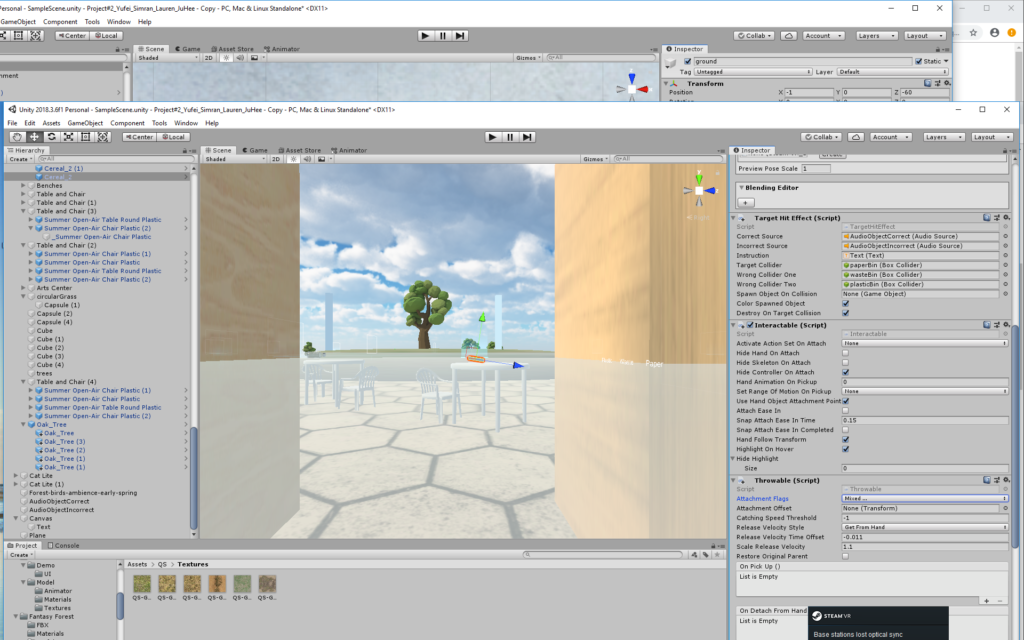
For the bins’ interaction, I planned to add tags to the objects and the bin. If the tags matched, if they were both ‘plastic,’ then it would be correct. I added the test for this condition inside the loop of the target hit effect script on all the objects, not realizing that the loop just checks for the target collider, not the possibility of the non-target collider. I modified the script to add two public wrong colliders for the other two bins. If it hits the target, I want the correct sound to play and the object to be destroyed upon collision with the bin. If it hits the wrong one, the incorrect sound should play and a message should pop up saying: “This object should be placed in the bin marked: “ + the tag of the object. Thus, for the chip bag, water bottle, and cereal box, their target collider is the bin they should be placed in and the wrong colliders are the two remaining bins.
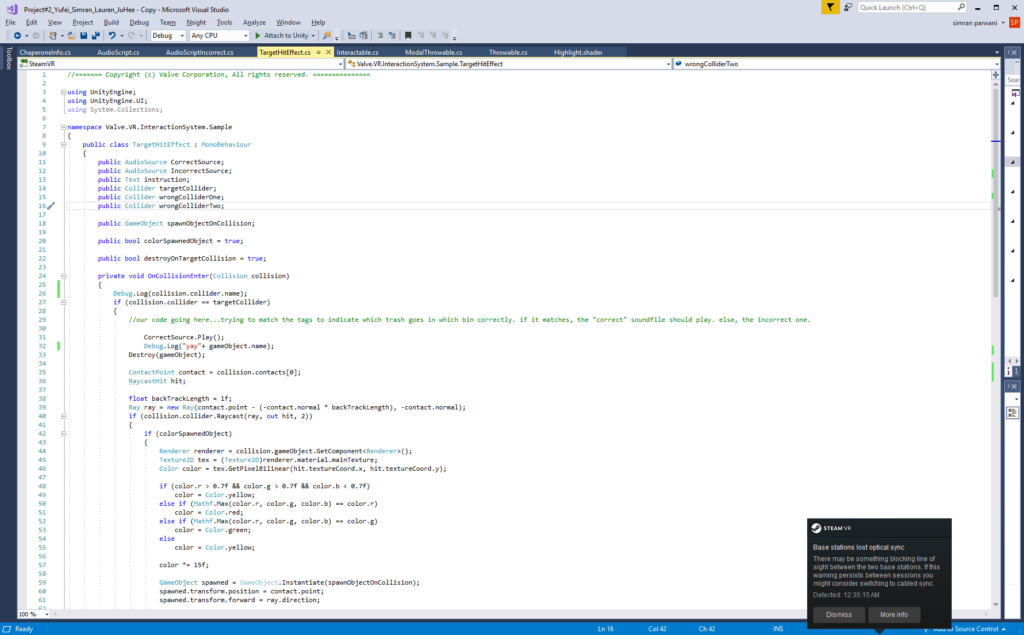
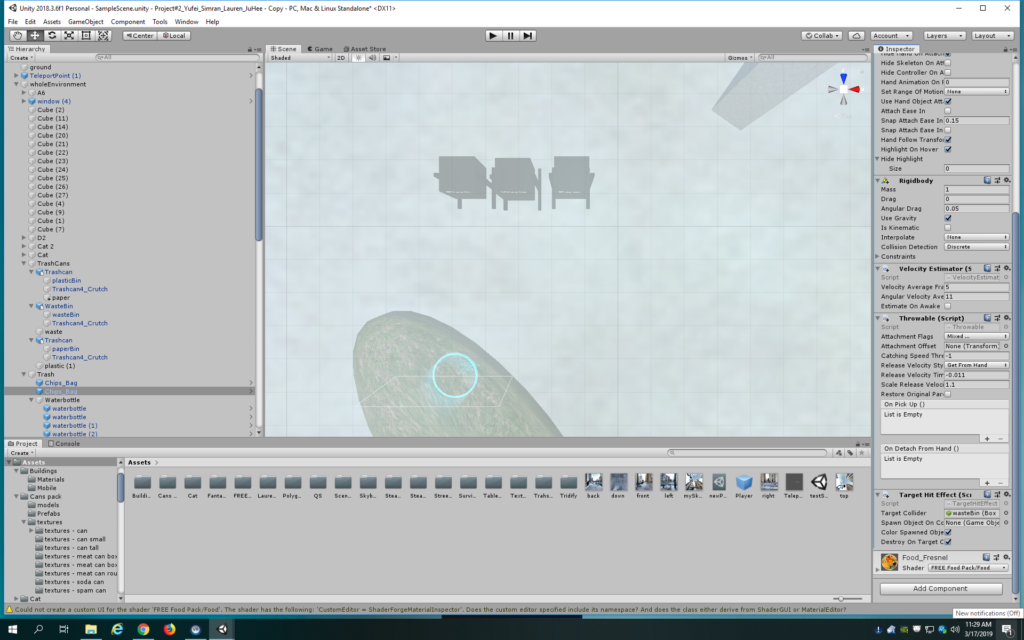
I’ve added two audio sources for the incorrect and correct sounds. However, I keep getting an error in the debug log about there being more than 2 audio listeners. The culprit is strangely the player prefab? It has one attached as expected to the VR camera but it has another one which is strange because it’s a prefab and a Unity scene can only have one audio listener. I delete the one not on the camera and hope for the best. Now my sound works!
Now, the sounds work, but the destroy on collision and the message does not. There is a boolean variable for the destroy already on the script but it doesn’t seem to be working. Perhaps since I modified it? I just make my own destroy method in the script and the problem seems to be resolved. I also need to adjust the level of the bins to be more natural.
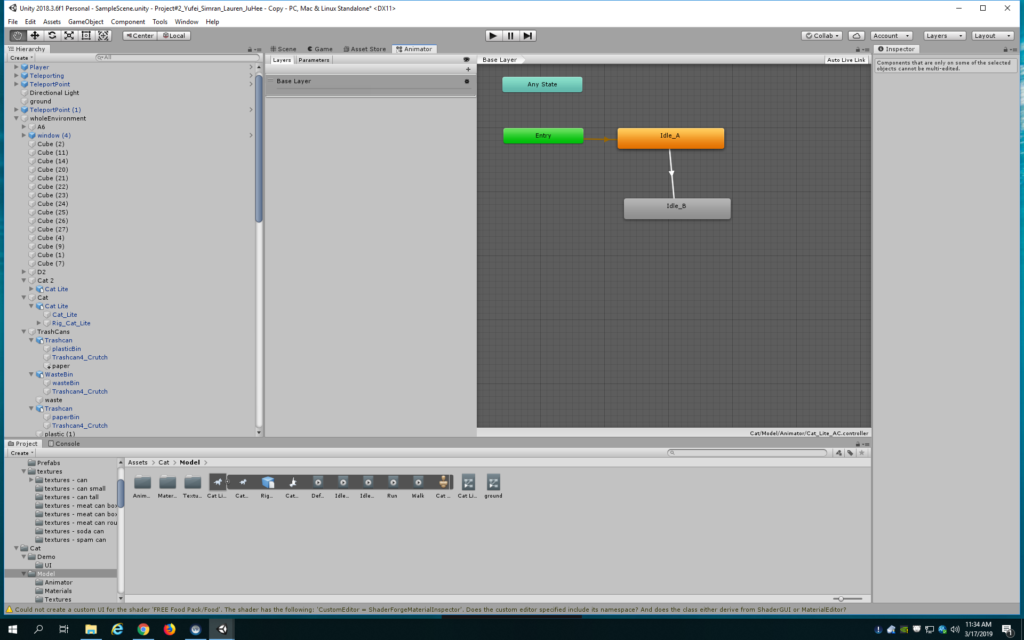
I’ve also fixed the cat animation so that it goes from idle A to idle B to walk.
The environment still feels quite big. After you pick up an object, it’s such a chore to walk all the way to the bin on the other side. I’m going to play around with the position of everything in the environment to make it easier to move around. Additionally, I want to make it obvious that one should pick up the trash by featuring the bins quite prominently in the scene, as I don’t want to ruin the feel of the piece with instructions.
It’s now 1 am Sunday night, so I’m off to bed. But hopefully someone in my group or I can work on this Monday morning to implement the nice to haves:
- if you place something in the wrong bin, a message could pop up saying which bin to put it in, so it’s more instructional in nature.
- Having the trash have an emission or make a sound if you are within a certain distance from them
- Having some sort of reaction if you pass this distance without picking it up
- Having more trash and more complex trash
I am working on the message now, but seem to have issues with positioning the UI and not concatenating the tag to the message. If I can’t get it before class, I shall simply delete it.